payments
cryptocurrency
guide
How to Pay with Cryptocurrency: Complete Payment Guide
AdminMarch 28, 202670 views
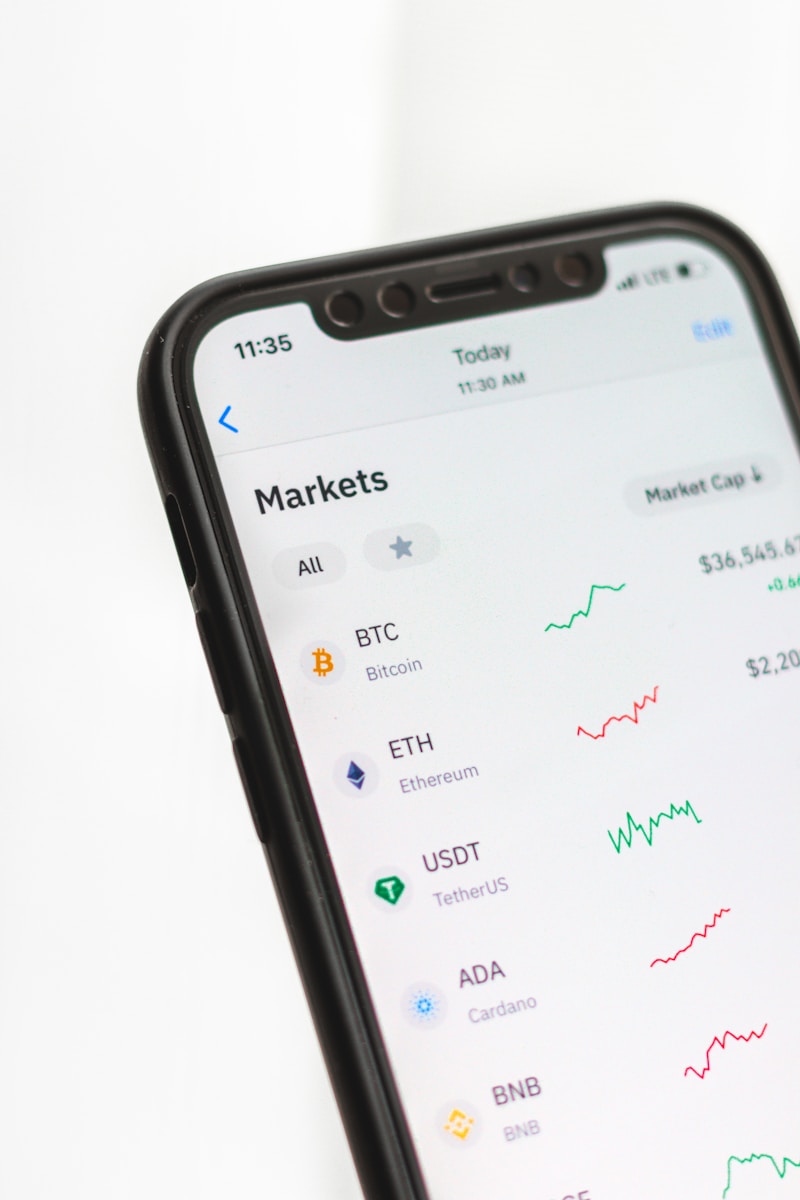
Why Crypto Payments?
QuickIndex Pro accepts cryptocurrency payments for several reasons:
- Global Access - Pay from anywhere in the world
- Fast Processing - No bank delays or holds
- Privacy - No credit card data required
- Low Fees - Especially for stablecoins on BSC
Supported Cryptocurrencies
We accept 10+ cryptocurrencies:
- Bitcoin (BTC)
- Ethereum (ETH)
- Tether USDT (TRC20 & BSC)
- BNB (BSC BEP20)
- Litecoin (LTC)
- Dogecoin (DOGE)
- Tron (TRX)
- XRP
- Solana (SOL)
- Polygon (MATIC)
Step-by-Step Payment Process
Step 1: Choose Your Plan
- Starter ($40) - 1,100 credits
- Growth ($150) - 5,000 credits
- Professional ($250) - 10,500 credits
Step 2: Select Cryptocurrency
Choose your preferred crypto from the list. We recommend USDT BSC or BNB BSC for lowest fees.
Step 3: Send Payment
- Exact amount to send
- Wallet address
- QR code for mobile wallets
- Transaction ID for tracking
Copy the address or scan the QR code with your wallet app.
Step 4: Wait for Confirmation
- Waiting - Awaiting your deposit
- Confirming - Payment detected, confirming on blockchain
- Complete - Credits added to your account!
Tips for Smooth Payments
- Send exact amount - Include network fees in your calculation
- Use correct network - USDT has multiple networks (TRC20, BSC, ERC20)
- Enable email notifications - Get updates on payment status
- Save transaction ID - Useful for support inquiries
Recommended: USDT on BSC
- Fees under $0.10
- Confirmations in ~15 seconds
- Widely available on exchanges
Need Help?
If your payment doesnt appear within 30 minutes, contact support with your Transaction ID. We typically resolve issues within hours.